.jpg)
Mickey Photos Logo

MickeyPhotos Logo
Showing posts with label POTC. Show all posts
Showing posts with label POTC. Show all posts
Saturday, May 2, 2015
Pirates of the Caribbean, Captain checking his treasure map


Saturday, January 24, 2015
The Redhead from the Pirates of the Caribbean
 |
| Bring on the Redhead!!! |
This picture was taken with a Nikon D800, 1/200, f/1.4, ISO 2000 using an 85mm lens
Wednesday, January 21, 2015
Parrot in Pirates of the Caribbean
.jpg) |
| From Pirates of the Caribbean |
This was taken a number of years ago using a Nikon D7000, 1/60, f/2.8, ISO 1250 at 150mm
Wednesday, January 7, 2015
Pirate in the first cell in the Pirates of the Caribbean
 |
| Pirate in the first cell in Pirates of the Caribbean |
This was taken with a Nikon D800 at 1/80, f/2.8, ISO 4000, 200mm
Tuesday, December 30, 2014
Pirate after his new bride from the early days of the Pirates of the Caribbean
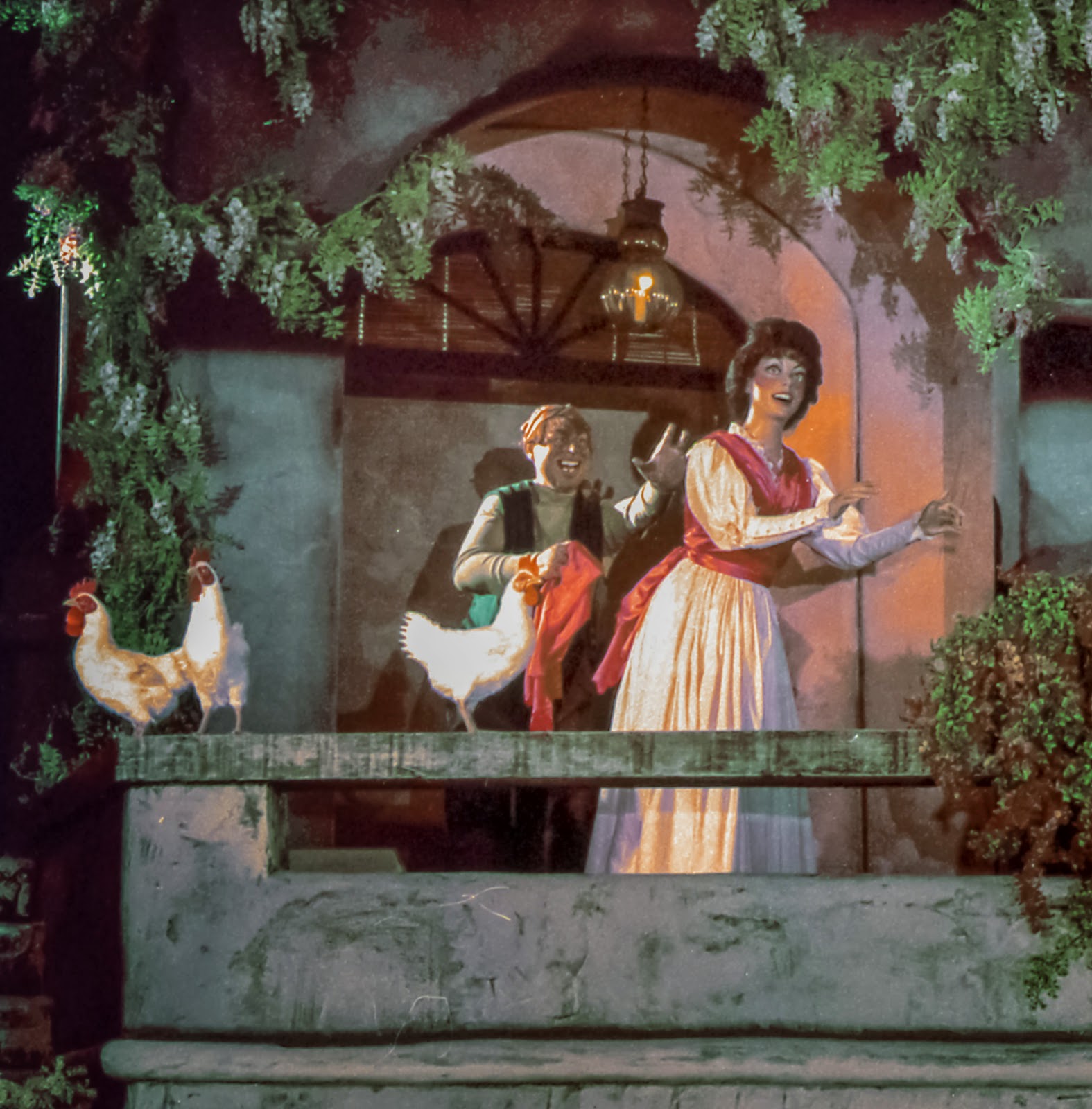 |
| Pirate after his new bride |
Monday, December 22, 2014
What is the right color for Disneyland Dark Rides?
 |
| Just increasing the Exposure |
 |
| After adjustments |
On the second one I changed the orange Hue more to the yellow end, reduced the saturation of Orange, Yellow and green and lowered the Luminance of Orange to blend in with the yellow that was left. I added some noise reduction but not a lot otherwise a lot of the detail would be gone. I increased the blacks and shadows and lowered the highlights (the skull was getting blown out) and increased the contrast. (All adjustments were done in Lightroom). You can click on them to see a larger version, keep in mind that I did reduce the size and pixel count of these to upload them so you are not going to see what would be actually printed).
I have to say that I still do not like the shot very much. I can adjust the amount of blue in the background and change the Luminance of it. It also needs to have some color added back into it. But the idea is to try and get to something that would look normal. This is a start. Another question is, what is the right color, what colors are we trying to get with the finished picture? Do we want what would be there is there were no hash lights? Maybe, but the lights also provide some additional "feeling" to the scene so we do not want to remove them completely.
I think it boils down to, what colors do you want to see. When you look at a picture the question should really be, do you like it? Does it appeal to you? And if it hits those marks then it is a good picture no matter what the final colors are.
Subscribe to:
Posts (Atom)